
Customer Support Automation: A Beginner's Guide

Customer support automation uses AI and tech to make support faster and better. Here's what you need to know:
- AI chatbots answer questions 24/7, speeding up response times
- Automated systems handle common issues quickly
- Self-service portals let customers find answers themselves
- Ticket routing sends problems to the right team automatically
Key benefits:
- 3x faster responses
- 24% increase in customer happiness
- Frees up human agents for complex issues
To get started:
- Identify repetitive tasks to automate
- Choose the right tools for your needs
- Set up clear support guidelines
- Test your system before full rollout
Remember: Blend AI efficiency with human empathy for the best results.
ToolBest ForKey FeatureStarting PriceConversoMulti-channel supportAI-powered helpdeskCustom pricingZendeskEnterprises1,000+ integrations$19/monthFreshdeskSmall to large businessesBuilt-in CRM$12/month
Measure success with:
- First Response Time
- Customer Satisfaction Score (CSAT)
- First Contact Resolution Rate
- Net Promoter Score (NPS)
Keep improving by analyzing chat logs, updating your knowledge base, and finding the right mix of AI and human support.
Related video from YouTube
Tools for Customer Support Automation
Customer support automation is changing how businesses talk to their customers. Let's look at some tools that can make your support better and keep customers happy.
Converso: AI Help Desk Features
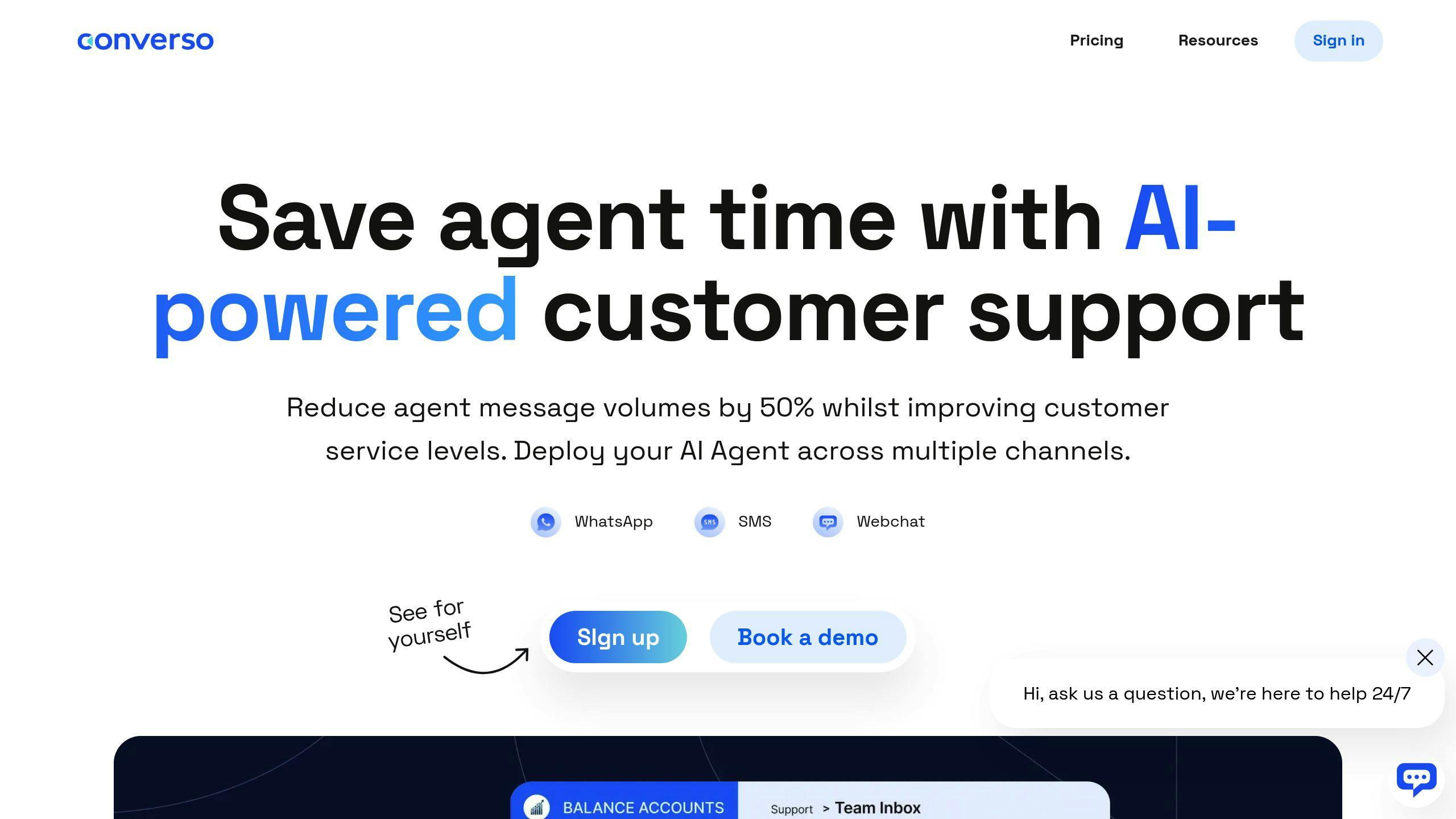
Converso uses AI to power its helpdesk. Here's what it can do:
- Works on WhatsApp, SMS, and Webchat
- Mixes AI with human agents smoothly
- Gives your team one inbox for everything
- Automates workflows
- Follows GDPR rules
Converso's AI can handle basic customer questions. This lets your human agents focus on the tricky stuff.
Chatbots and AI Assistants
Chatbots are a big deal in customer support now. They're great because they:
- Work 24/7
- Answer right away
- Can talk to lots of customers at once
Take Zendesk's AI. It can figure out what a ticket is about, what language it's in, and how the customer feels. This helps get the ticket to the right person and gives agents useful info. It can cut down support time by 30 to 60 seconds per ticket.
"We didn't get a chatbot to cut staff. We got it so our team can focus on the hard, important questions instead of the easy ones." - Denny Michaud, Customer Relations Manager, Canadian Blood Services
Self-Help Knowledge Bases
Customers often like to find answers on their own. A good knowledge base can:
- Let customers solve problems without help
- Cut down on support tickets
- Make customers happier
In fact, 69% of customers prefer to fix issues themselves. If you make a solid knowledge base with FAQs, how-to guides, and videos, you can really boost your support automation.
Support Ticket Systems
Automated ticket systems are key for good customer support. They can:
- Sort and send tickets to the right place
- Put urgent issues first
- Keep track of how well support is doing
For example, Freshdesk's Freddy AI runs chatbots that talk to customers all day and night. It can also assign tickets automatically and set up custom service level agreements.
FeatureWhat It DoesSmart RoutingSends tickets to the right team without human helpAuto-ResponsesAnswers common questions right awayTicket PriorityMakes sure big problems get fixed firstPerformance TrackingShows where support can get better
Setting Up Your First Automation System
Let's walk through setting up your first customer support automation system. It's not as daunting as it might seem.
Check Your Current Process
Before you jump into automation, take a good look at how you're handling support right now:
What tasks are your team doing over and over? How long does it take to solve different problems? What are your customers saying about your support?
Here's a cool fact: Zendesk found that just by automating ticket sorting and routing, their AI can save 30 to 60 seconds per ticket. That adds up fast!
Pick the Right Tools
Choosing your automation tools is key. Think about:
- How big is your team?
- Which support channels do you want to automate?
- Will it play nice with your current systems?
- What's your budget?
Here's a quick look at some popular tools:
ToolBest ForKey FeatureStarting PriceConversoMulti-channel supportAI-powered helpdeskCustom pricingZendeskEnterprises1,000+ integrations$19/monthFreshdeskSmall to large businessesBuilt-in CRM$12/month
Create Support Guidelines
Clear guidelines keep your automation consistent:
Write up standard replies for common questions. Decide when to hand things over to a human. Set goals for how quickly you'll respond to different types of questions.
Gershwin Exeter from Thrasio has an interesting take:
"Why deflect when you can engage? We want to interact more with our customers. We want them to feel our appreciation and dedication toward them."
Test Your System
Before you go all in, give your automation a good test run:
Try out different scenarios to see how it handles various questions. Let your support team take it for a spin and give feedback. Keep an eye on things like how fast issues are resolved, how happy customers are, and how many tickets you're getting during the test.
Did you know that almost 70% of customers actually prefer to help themselves? Make sure your automated system gives them that option, but also makes it easy to talk to a real person when they need to.
sbb-itb-e1b05dc
Tips for Better Automation
Automating customer support can boost efficiency, but it's key to keep things personal. Here's how to nail that balance:
Keep Support Personal
Even with robots helping out, your support should feel warm and friendly. Try this:
- Name your chatbot and give it a personality
- Use what you know about customers to tailor responses
- Make sure automated messages sound human, not like a machine
Converso's AI helpdesk lets businesses use AI agents across channels while keeping things personal.
Mix AI and Human Support
Knowing when to use tech and when to bring in the human touch is crucial:
Let AI HandleBring in Humans ForFAQsTricky problems"Where's my order?"Emotional stuffBasic tech helpVIP customersBooking appointmentsAngry complaints
HubSpot says 93% of customers are likely to buy again from companies with great service. Blend AI speed with human empathy for top-notch support.
Build Clear Support Steps
Set up simple paths for different customer needs:
1. Use AI to sort incoming questions
2. Automate answers for common issues
3. Create triggers to bring in humans when needed
4. Set clear steps for moving issues up the chain
This approach can cut response times in half, making customers happier and more loyal.
Track How It's Working
Keep an eye on whether your automation is actually helping:
- Watch key numbers like response time and how many issues get solved
- Ask customers what they think with quick surveys
- Look at chat logs to spot areas to improve
- Tweak your automation based on what you learn
"Find the sweet spot between automation and human touch. That's how companies can offer quick, effective service while still showing they care and know their customers."
Check and Improve Your Results
Let's talk about measuring your customer support automation's success and making it even better.
What to Measure
Here are the key metrics you should track:
MetricWhat It Tells YouGood to Aim ForFirst Response TimeHow fast you replyUnder 60 minutesCustomer Satisfaction Score (CSAT)How happy customers are75-85%First Contact Resolution RateIssues solved in one go70-79%Net Promoter Score (NPS)Customer loyaltyDepends on your industry
Ask Your Customers
Don't forget to get feedback from the people actually using your automated support:
- Run CSAT surveys every few months
- Ask for quick feedback after bot chats
- Use Bot Satisfaction Score (BSAT) to compare AI and human support
Here's a real-world example: One company found out customers were leaving after the first message because their bot didn't speak their language. They added that language, and boom - engagement went way up.
Time and Money Saved
Figure out how automation is helping your bottom line:
- How much has average handle time (AHT) dropped?
- Are human agents handling fewer tickets?
- What's the cost per conversation now vs. before?
Did you know? Zendesk's AI can save 30-60 seconds per ticket just by sorting and routing. That adds up FAST for busy support teams.
Keep Making It Better
Don't set it and forget it. Keep improving your automation:
1. Check those conversation logs
Look for where things go wrong in automated chats.
2. Update your knowledge base
Keep your DIY help resources fresh. Fun fact: 69% of customers actually WANT to solve problems on their own.
3. Tweak your chatbot
Use tools like the Conversation Journey Explorer to find and fix sticky spots in your bot's dialogue.
4. Find the right mix of bots and humans
Akshay Kothari, CPO at Notion, puts it well:
"Find the sweet spot between automation and human touch. That's how companies can offer quick, effective service while still showing they care and know their customers."
Next Steps
You've learned about customer support automation. Now it's time to put that knowledge to work. Let's go over the key points and plan your automation project.
Remember These Key Points
Set clear goals
Know what you want from automation. Is it faster responses? Better customer experience? Lower costs? Your goals will shape your strategy.
Pick the right tools
Choose tools that fit your needs and budget. There's no perfect solution for everyone. Here are some options:
ToolGood forStandout featureConversoMulti-channel supportAI helpdeskZendeskBig companiesTons of integrationsFreshdeskAll business sizesBuilt-in CRM
Mix automation and human touch
Automation should help your human agents, not replace them. HubSpot says 93% of customers are likely to buy again from companies with great service. Find a balance that uses automation's efficiency and keeps that human connection.
Start small, then grow
Begin with a test run to check how things work and get feedback. This helps you spot and fix issues before going all-in.
Keep an eye on progress
Regularly check key numbers to see how well your automation is doing. Some important ones are:
- Customer Satisfaction Score (CSAT)
- First Response Time (FRT)
- First Contact Resolution Rate (FCR)
- Net Promoter Score (NPS)
Update your knowledge base
A good, up-to-date knowledge base is key for self-service. 89% of US customers expect brands to offer self-service options.
Stay secure and follow the rules
Use strong data protection and regularly check your AI support systems. This keeps customer trust and follows regulations.
Your Automation To-Do List
- Do a SWOT analysis of your current support strategy to find weak spots and where AI can help most.
- Create a central place for guides, FAQs, and best practices to keep customer interactions consistent.
- Set up workflows in your customer service software to make things run smoother.
- Use tools like Bot Satisfaction Score (BSAT) and Conversation Journey Explorer to keep improving your automated systems.
- Listen to customer feedback and use it to make your automation better.
Remember, good automation is always a work in progress. As Akshay Kothari from Notion says:
"Find the sweet spot between automation and human touch. That's how companies can offer quick, effective service while still showing they care and know their customers."
FAQs
Let's tackle some common questions about customer support automation:
How to train ChatGPT for customer support?
Training ChatGPT for customer support is pretty simple with Social Intents:
- Log in to Social Intents
- Head to 'My Apps' and edit Live Chat Settings
- Click 'Train your chatbot' in Chatbot Settings
- Add relevant URLs to train the bot
Here's the kicker: your training data quality DIRECTLY impacts how well your chatbot performs. So, use top-notch content from your knowledge base, FAQs, and support docs.
What are the benefits of service automation?
Service automation packs a punch:
- 24/7 Support: AI chatbots don't sleep, so your customers get help anytime
- Cost Savings: Companies can slash customer service costs by up to 30% with AI
- Efficiency Boost: Automation handles the routine stuff, freeing up your human agents for the tricky issues
- Happy Customers: AI-powered support leads to 3.5 times higher customer satisfaction
- Scalability: Automated systems can juggle multiple customers at once
- Omnichannel Support: Consistent help across different platforms and channels
Real-world example? McAfee's AI chatbot cranked up their support ticket resolution rates, making things more efficient AND keeping customers happy.
"AI chatbots provide consistent service and quality, leading to greater customer satisfaction." - Akshay Kothari, CPO at Notion
But here's the thing: automation is great, but don't forget the human touch. Remember, 82% of U.S. consumers still want to talk to a real person for complex issues. The secret sauce? Finding that sweet spot between AI efficiency and human empathy in your customer support game plan.



.svg)
.svg)
.svg)
.svg)